
by Matt Knight
Monday September 16, 2019 • 7 min read
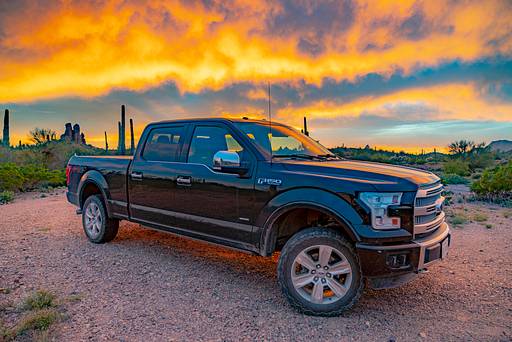
Officially, Apple CarPlay and Android Auto weren't available until 2017 Ford F-150 models, but we'll show you how we added it to our 2016 Ford F-150.
Introduction
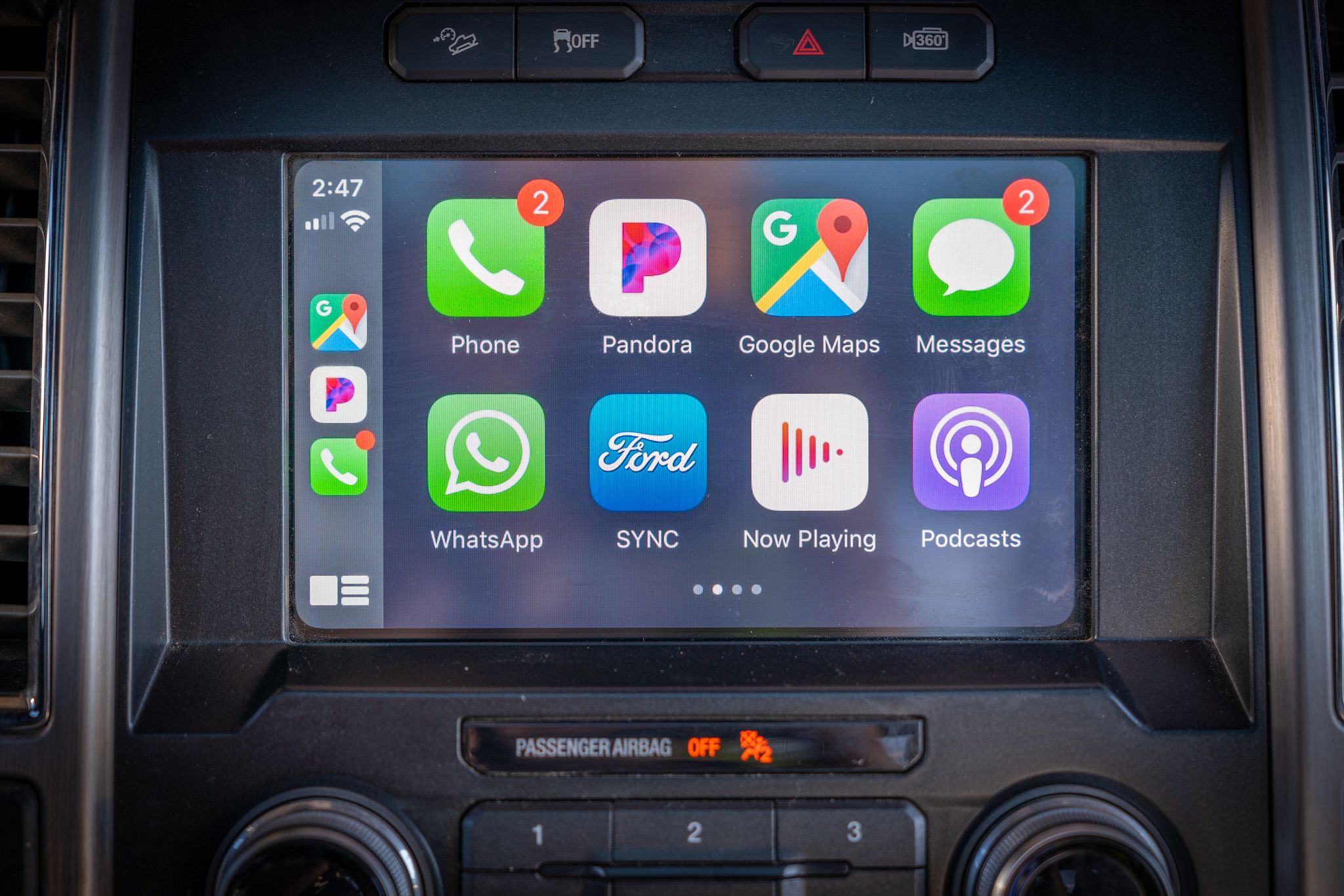
Apple CarPlay is Apple's standard for connecting your iPhone to your car's built-in infotainment screen. It shows a simplified iOS-like interface, giving you access to certain apps while driving - kind of like an improved version of your vehicle's existing infotainment system.
CarPlay relies heavily on Siri for voice control, and only a small selection of your apps support CarPlay - generally music, e-books and navigation.
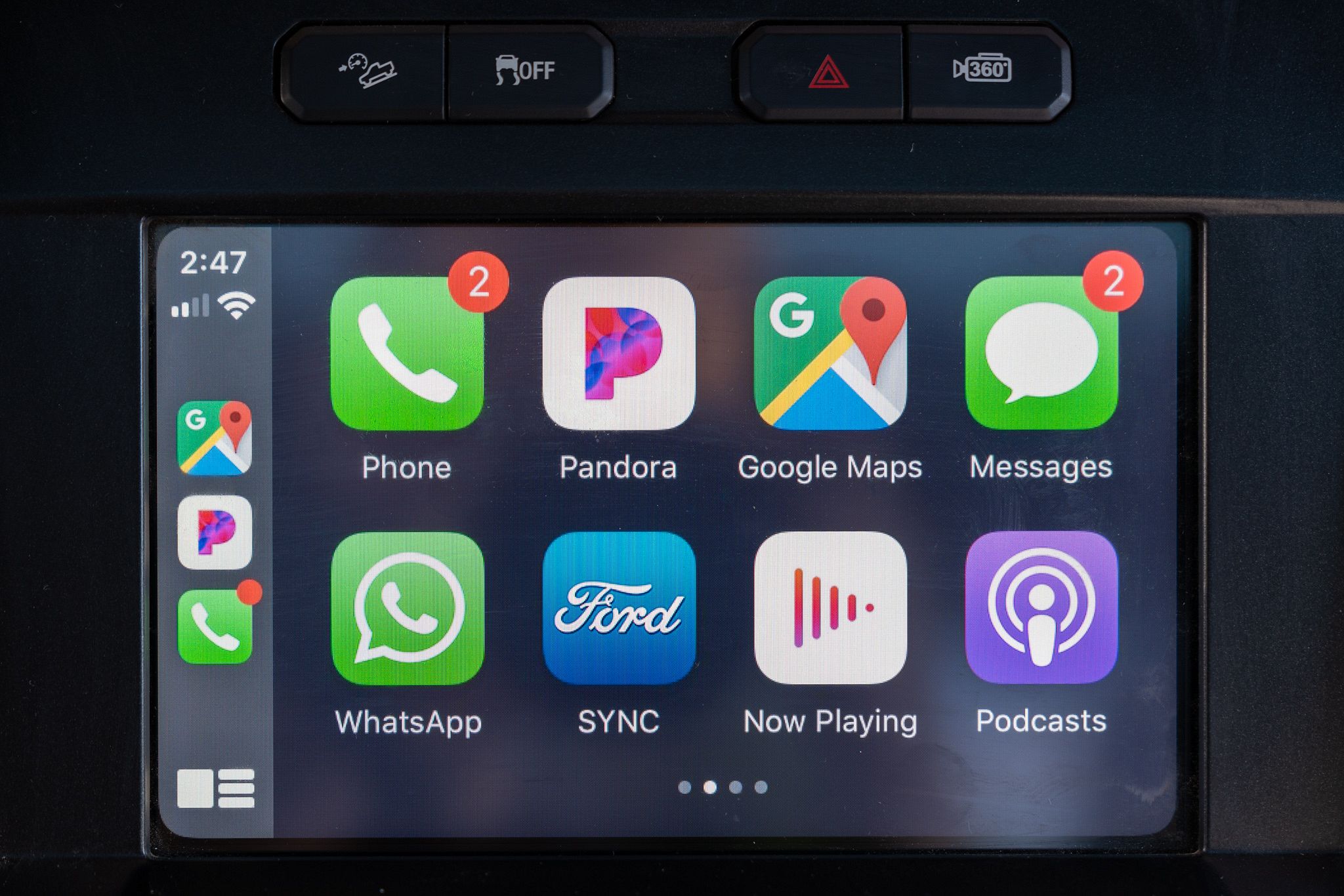
Although this guide is about Apple CarPlay, the exact same setup allows users with Android phones to use Android Auto in the same way.
In order for either Apple CarPlay or Android Auto to work, you will need to have the large infotainment screen running SYNC3 in your vehicle. And obviously, either an iPhone or Android phone.
Installation
If you have a 2017 or newer model, then you should have everything you need to use Apple CarPlay. To try it out, just plug your iPhone into one of the USB sockets (usually beneath the radio) to try it out.
Note: Apple CarPlay and Android Auto only work with USB. They will not work just by connecting your phone to the car with Bluetooth.
However, if like us you have a 2016 model, you will need to make a couple of changes to get it working.
There are two things you need in order for Apple CarPlay to work:
- Ford SYNC3 software running version 2.0 or higher;
- USB hub compliant with Apple CarPlay.
Ford SYNC3 Upgrade
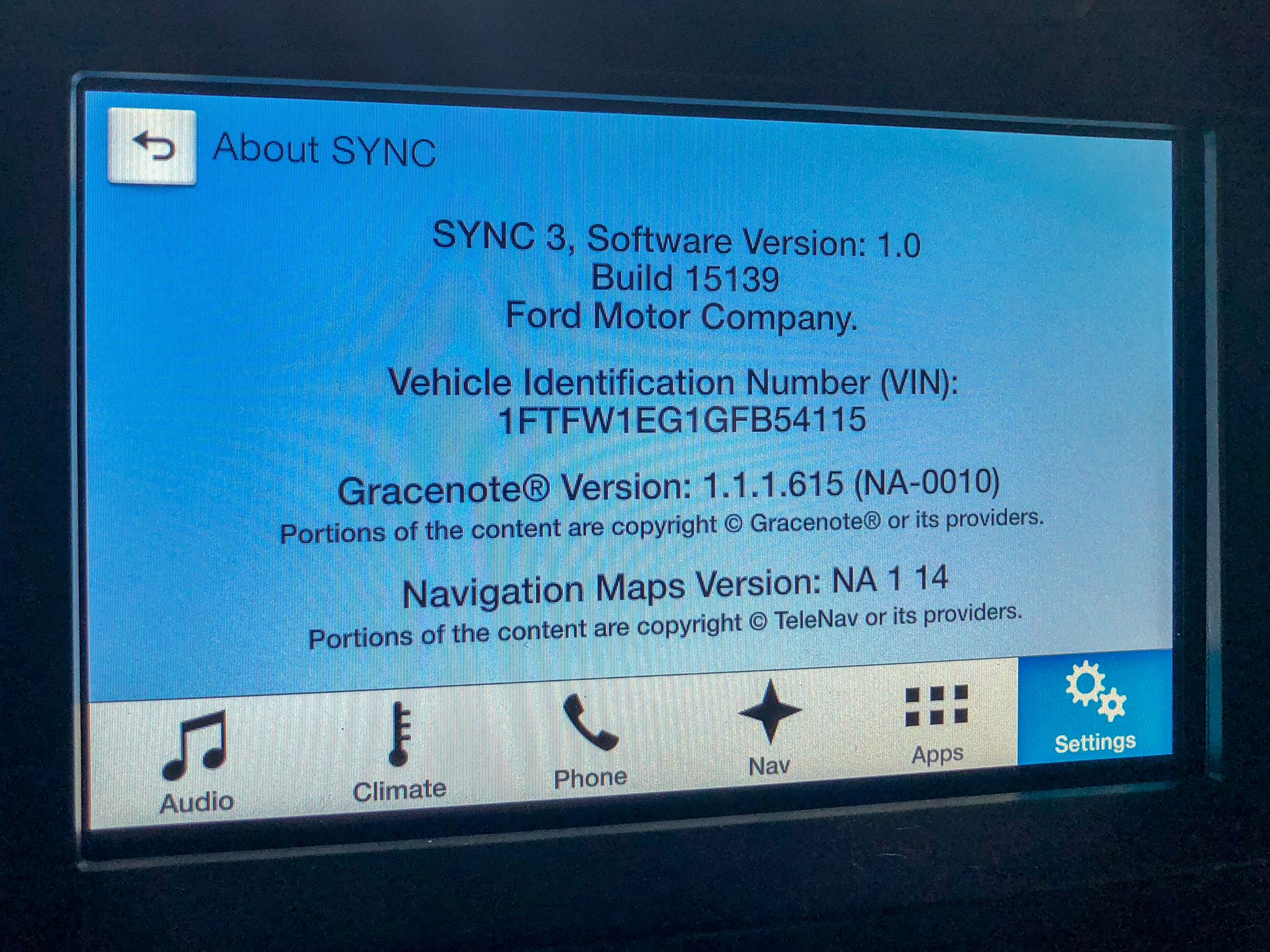
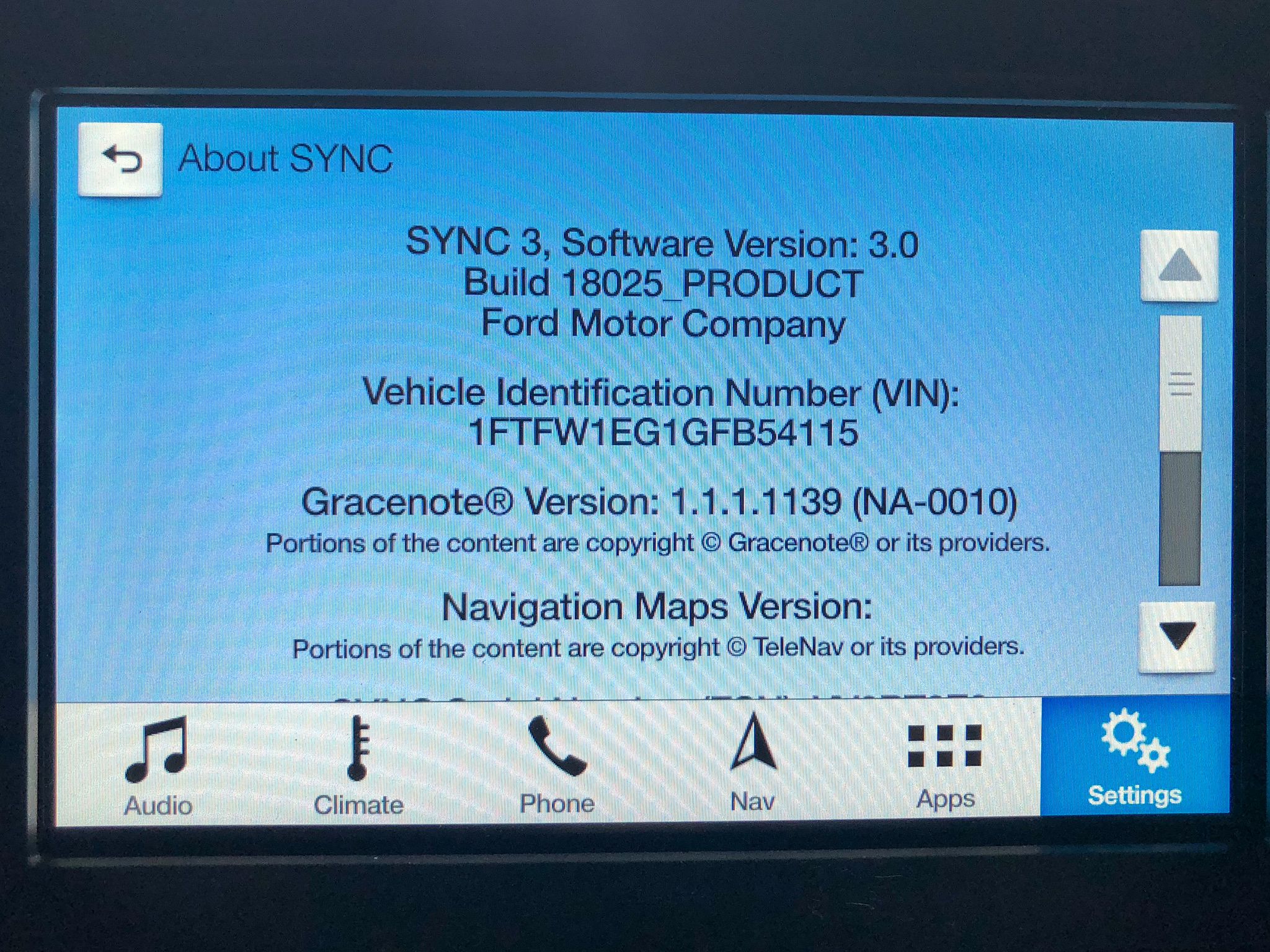
Ford SYNC3 is the software that runs on Ford's infotainment system. For CarPlay to work, you need to be running SYNC3 version 2.0 or later. You can find out what version you are running by going to Settings > General > About.
The version of SYNC3 you are running will be shown on the top line - not to be confused with the Gracenote or Navigation versions. In the image below, you can see our truck had SYNC3 version 1.0 installed.
Upgrading SYNC3 is free and relatively straightforward - I recommend following the instructions on the Ford Owner's website for how to install the SYNC3 update. Although it can be done via WiFi, I had most success using a USB flash drive to do it.
In order to update SYNC3, you'll want to park your car somewhere open and secure since you'll need to leave the engine running for a while during the update process. It typically takes 30-60 minutes to complete.
Once the update is complete, check that the version of SYNC3 has update by going back to Settings > General > About. You can see ours updated to SYNC3 version 3.0 in the screenshot below.
USB Hub Upgrade
As well running the right version of SYNC3, your vehicle also needs to have a USB hub compatible with Apple CarPlay. Ford F-150 models built after July 2016 should have this, and you can check by plugging your iPhone in now to see if it works.
Ours was built in March 2016, so we had to upgrade the USB hub. Fortunately, this is also relatively straightforward.
The part number you're looking for is HC3Z-19A387-B which has a blue backlight - there is also a version with a white backlight (GJ7Z-19A387-B), but it's harder to find. Our original USB hub had a blue backlight so that's what we upgraded with to keep it the same.
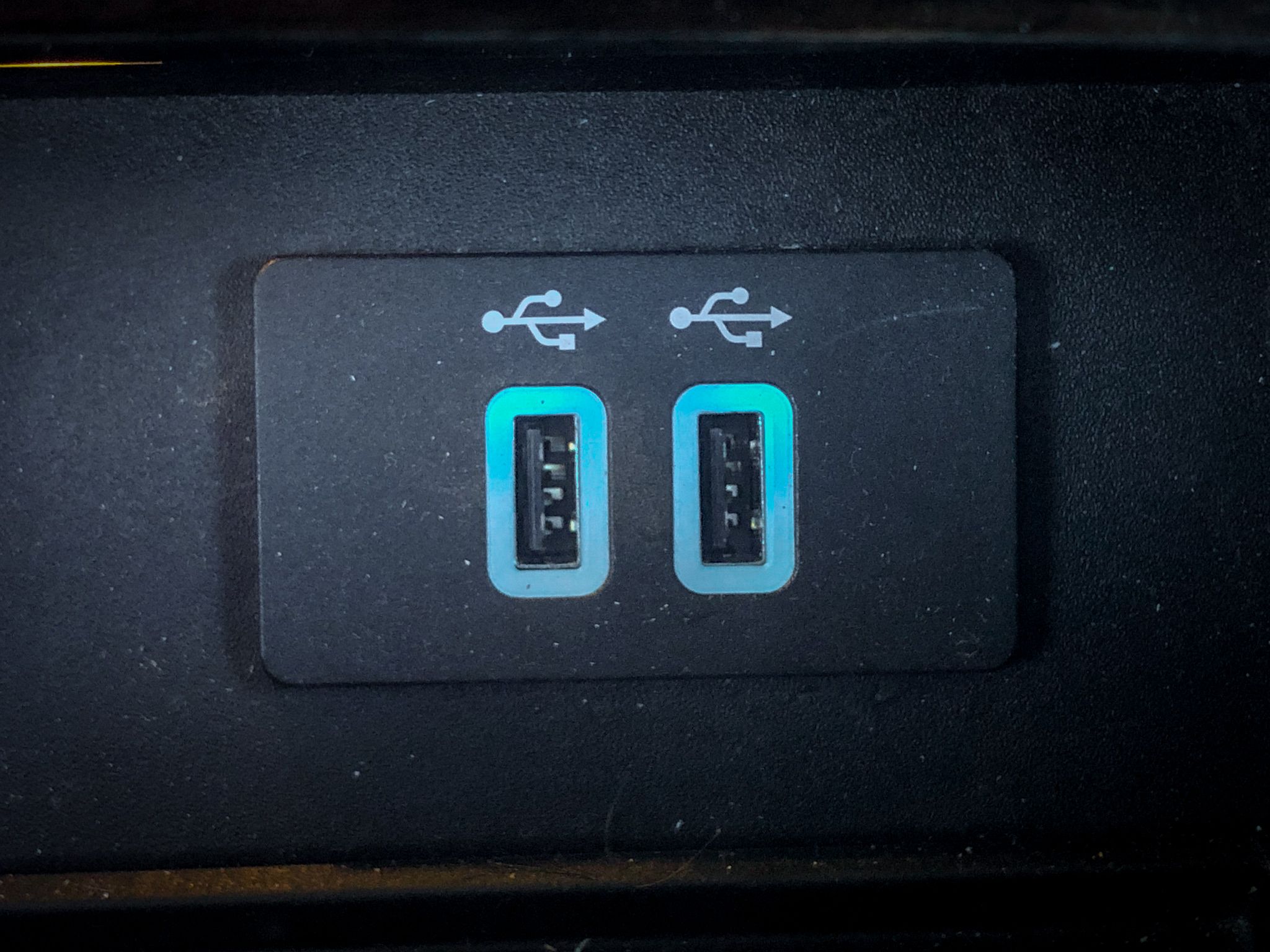
You may be able to get the replacement USB hub at your local Ford dealer, but expect to pay a premium compared to buying it online.
Installation itself is very straightforward - the existing USB hub is held in by some plastic tabs. If you have a plastic trim removal tool you may wish to use it, but just be careful not to damage the trim around the hub.
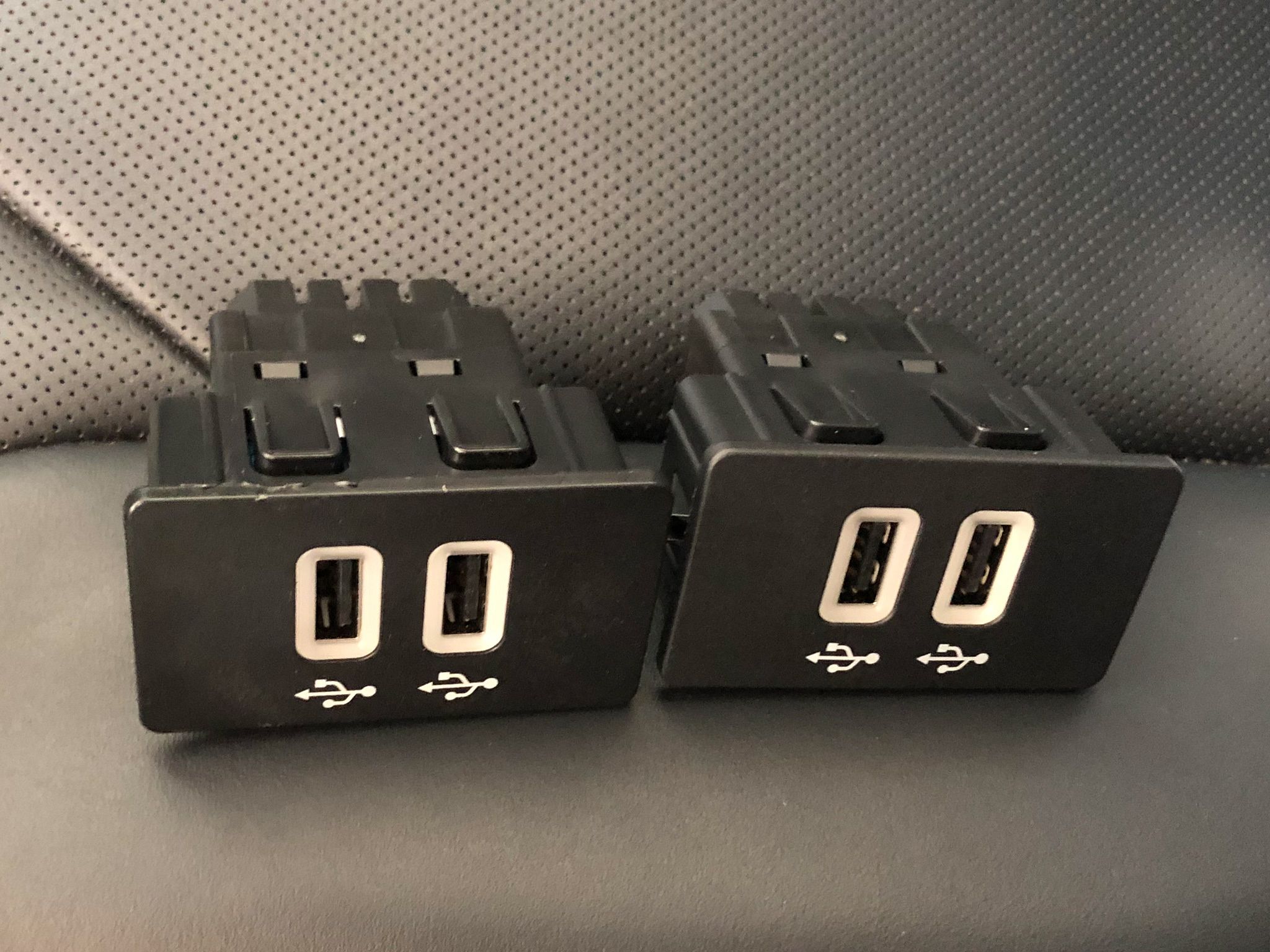
The old and the new USB hubs look identical, but the circuitry inside the new hub is the secret to unlocking Apple CarPlay in your vehicle. Install the new hub by pushing securely it into the hole where the old hub had been.
Using CarPlay
With SYNC3 and the USB hub upgraded, using Apple CarPlay is as simple as plugging your iPhone into one of your new USB sockets using a Lightning to USB cable - the same cable you use to charge your iPhone. Apple CarPlay works with any iPhone 5 or newer running iOS 7.1 (released June 2014) or later.
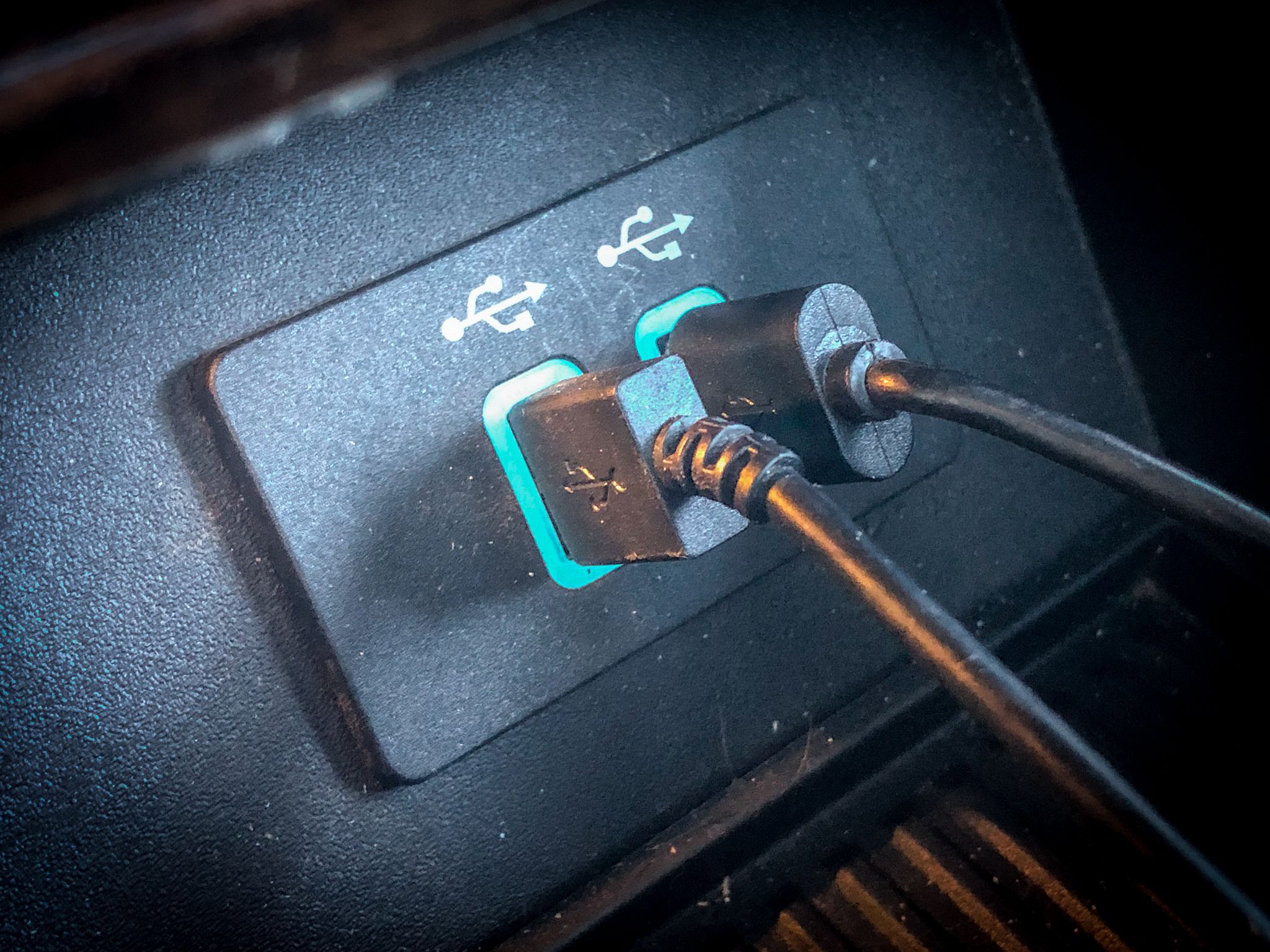
Personally, we use the ProClip Ford F-150 Dashboard Mount with the adjustable iPhone holder with USB cigarette light plug which holds my iPhone X in its case and charges it while I'm driving.
You may need a more recent version of iOS to support all the apps, and updates to individual apps may bring more capability to their CarPlay interface.
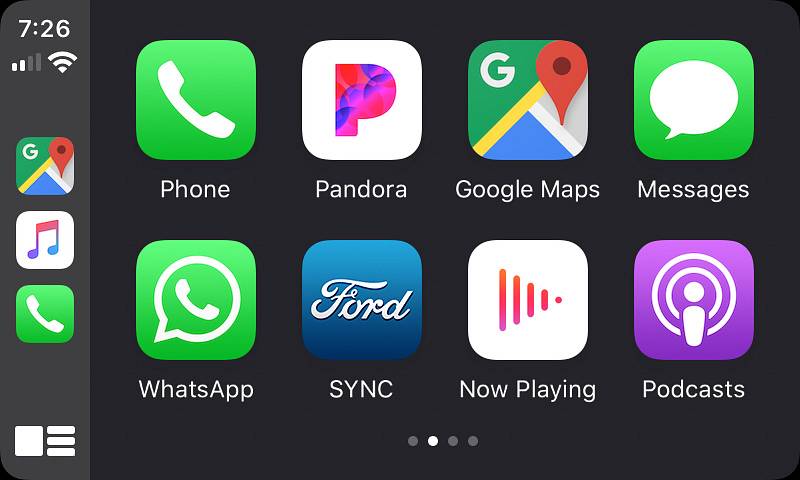
I recently upgraded my iPhone X to run the beta version of iOS 13 which includes some updates to CarPlay. Some of the screenshots may look a little different to what you'll see, but they should be very similar. One big change is that you can now have one app open on CarPlay and a different app open on your iPhone - very useful!
I'll show you some of the apps we use on Apple CarPlay - but there are plenty more apps than just the ones listed here.
Navigation
If you're like us, the big motivation for doing this upgrade is to use the GPS navigation apps on your iPhone while in the car - showing them on the large infotainment screen rather than just your iPhone. This is where Apple CarPlay is great!
Google Maps
We're particular fans of Google Maps. Diana is an Android user, and we use Google Maps to mark all the places we want to go and have been. We find the directions to work well for us - having a smaller RV means we don't need to worry about using a specialized RV GPS system.
But our favorite feature of Google Maps is the satellite view. We use Google Maps as our navigation app in the truck, and we always use satellite view. While driving along, it's cool to see an aerial view of the area you're driving through.
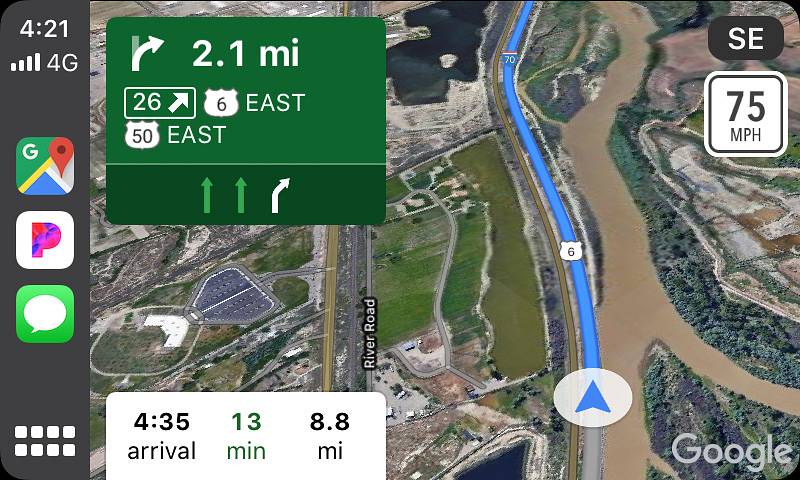
Even more useful though, is when we arrive near a boondocking area. We can see an aerial view of exactly what the land looks like - great for finding trails, open areas and potential camping spots.
Apple Maps
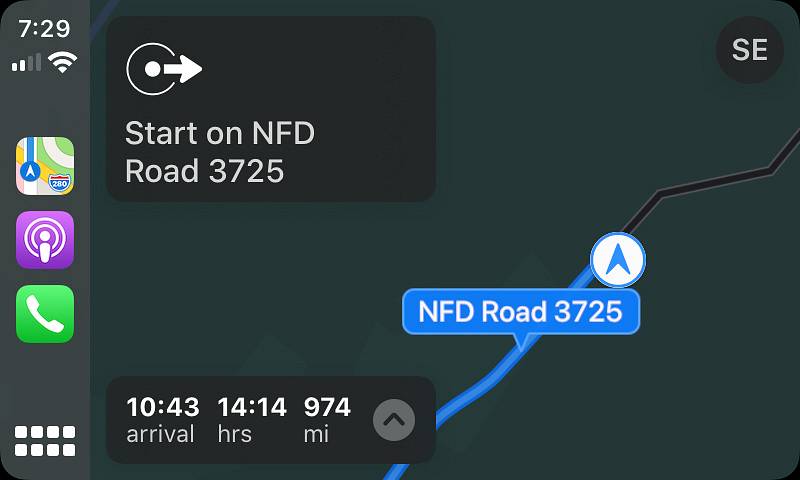
If you're more of an Apple Maps fan, it almost goes without saying that it's supported by Apple CarPlay.
Waze
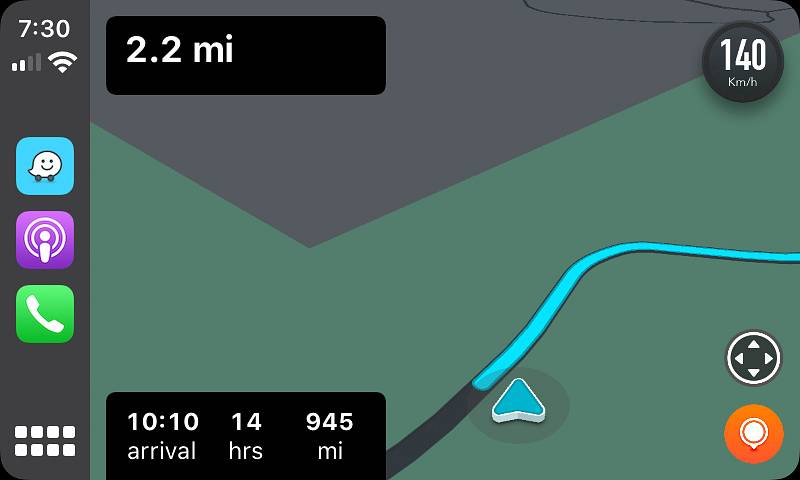
Waze is also supported on newer versions of iOS, so if that's your preferred navigation app, then you're in luck. I was a big fan of Waze before we bought the trailer, but I now prefer the satellite view that Google Maps offers.
Music
Music apps are the other big category of apps that have good support in Apple CarPlay.
I'll show you some screenshots, but you have to promise not to judge me for my musical choices!
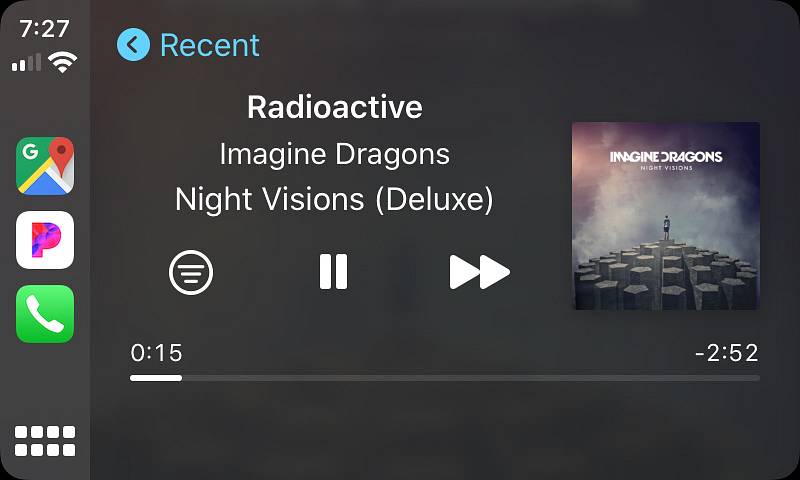
Pandora
Pandora is usually our go-to music app because I'm too lazy to curate my own playlists. In addition to basic play controls, you can also browse stations, etc.
Spotify
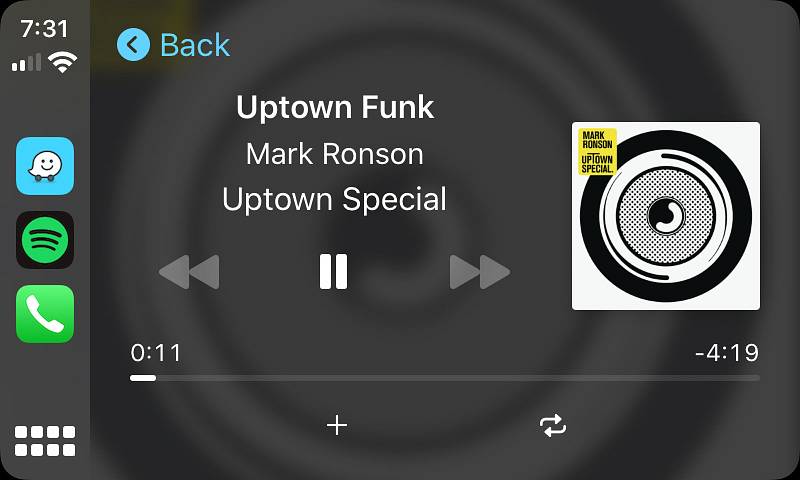
Spotify also works great on Apple CarPlay and offers a decent system for finding music to play.
Apple Music
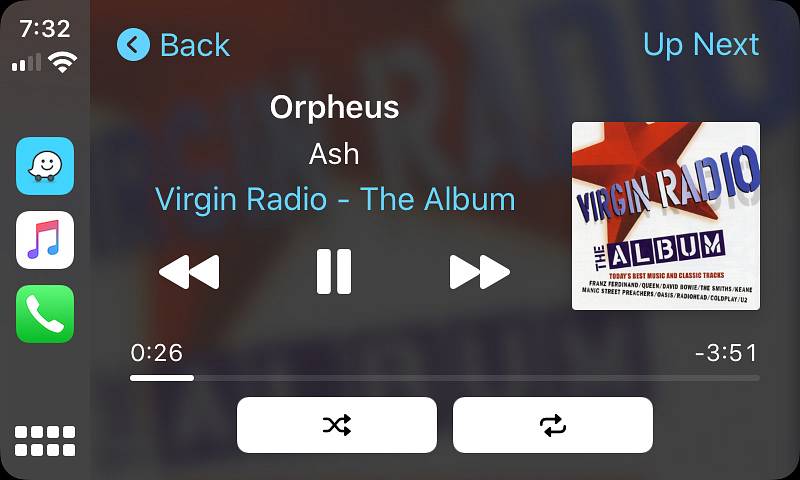
As with Apple Maps, it should come as no surprise that Apple Music is supported on CarPlay. We don't often use it, but it's there.
E-Books
On long travel days, we like listening to audiobooks. We tend to use Audible, but Libby is also supported too.
Audible
We have a long list of e-books on Audible to listen to, and listening in the car is a great way to kill time on a long drive. The Audible interface on Apple CarPlay is pretty clean too.

Podcasts
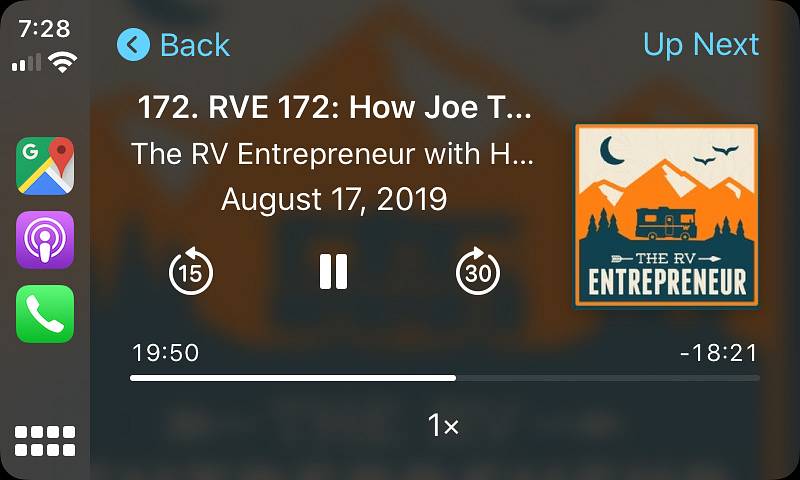
If podcasts are more your thing, then you'll be pleased to know these work great too!
Conclusion
If you have a 2016 Ford F-150 without Apple CarPlay or Android Auto, then this is a simple and relatively cheap mod to enable it. Doing so unlocks a huge amount more capability from the Ford SYNC3 infotainment system by allowing you to use a selection of iOS apps.
It doesn't replace your Ford SYNC3 system - just tap the Ford Sync icon within Apple CarPlay to return to your normal Ford interface.
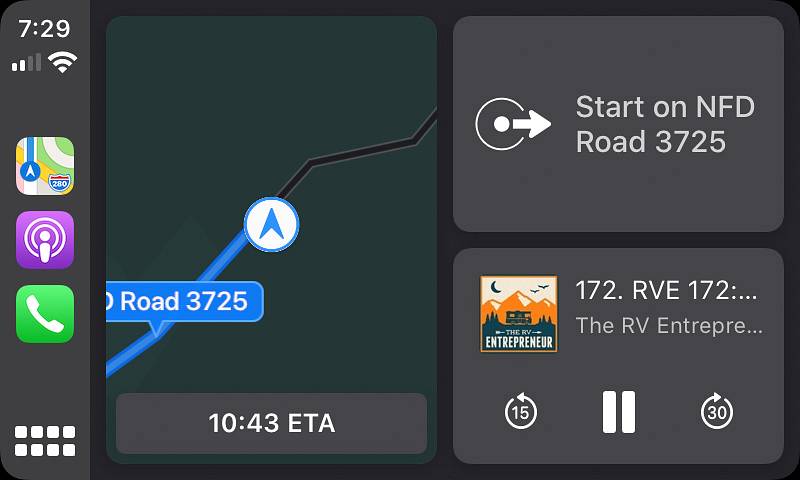
We upgraded our F-150 in May 2018, and the Apple CarPlay has really improved since then with updates. If you haven't tried out Apple CarPlay in your vehicle, then give it a go!
Let us know in the comments what your favorite Apple CarPlay (or Android Auto) apps are!
Hey! Did you enjoy this blog post?
I write all the content on this site myself, and then make it available for free, for you. If you found it useful or interesting, would you consider a sending us a little something to say thank you?
Using Buy Me A Coffee, you can send us as little as $5 or as much as you want - either way, it means a lot to us! Click the big button below if you want to help support our work.